Chat with your team and post announcements
Use team chat, 1:1 messages and announcements so nobody has to dig through a group text.
- 1
Team chat
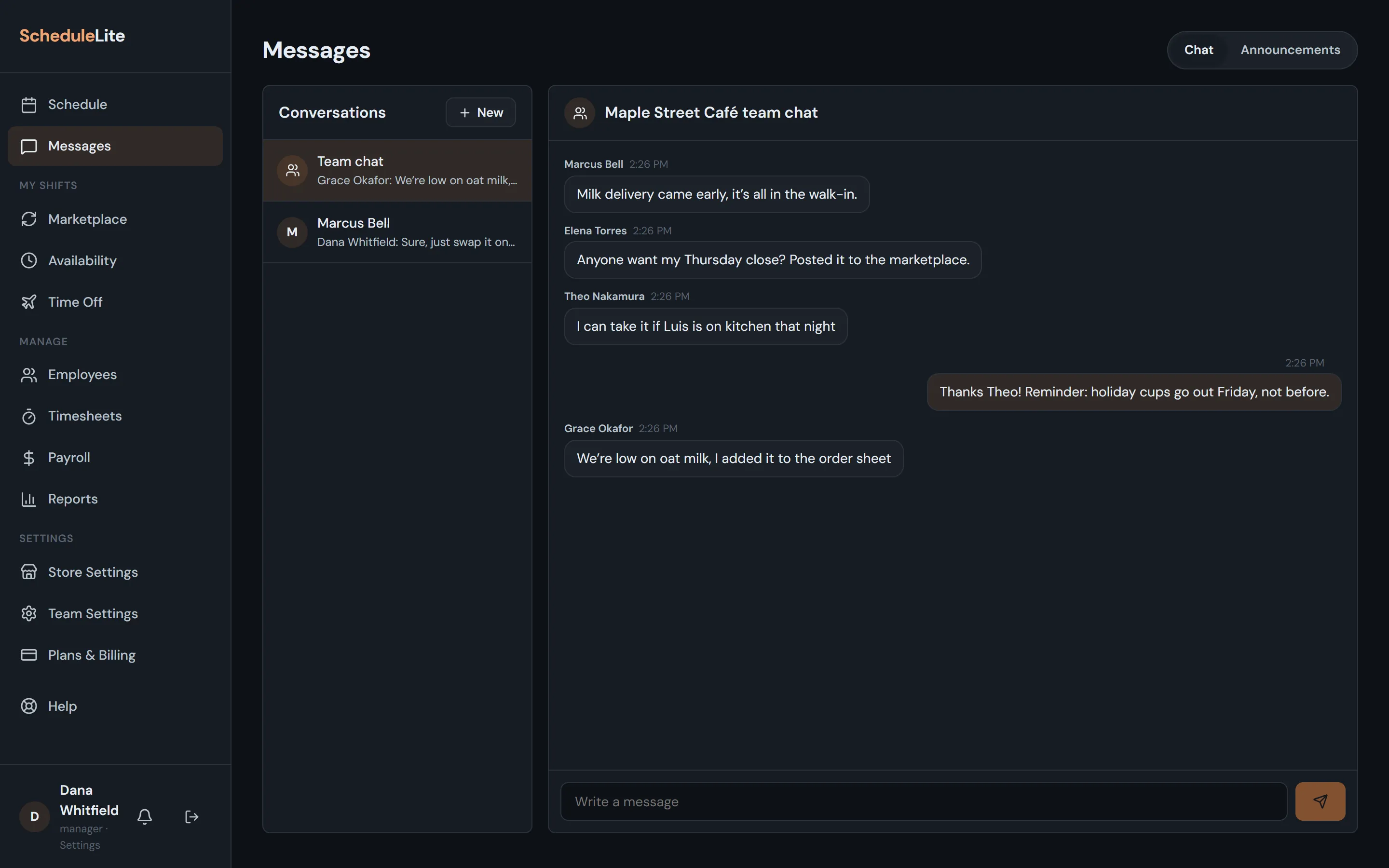
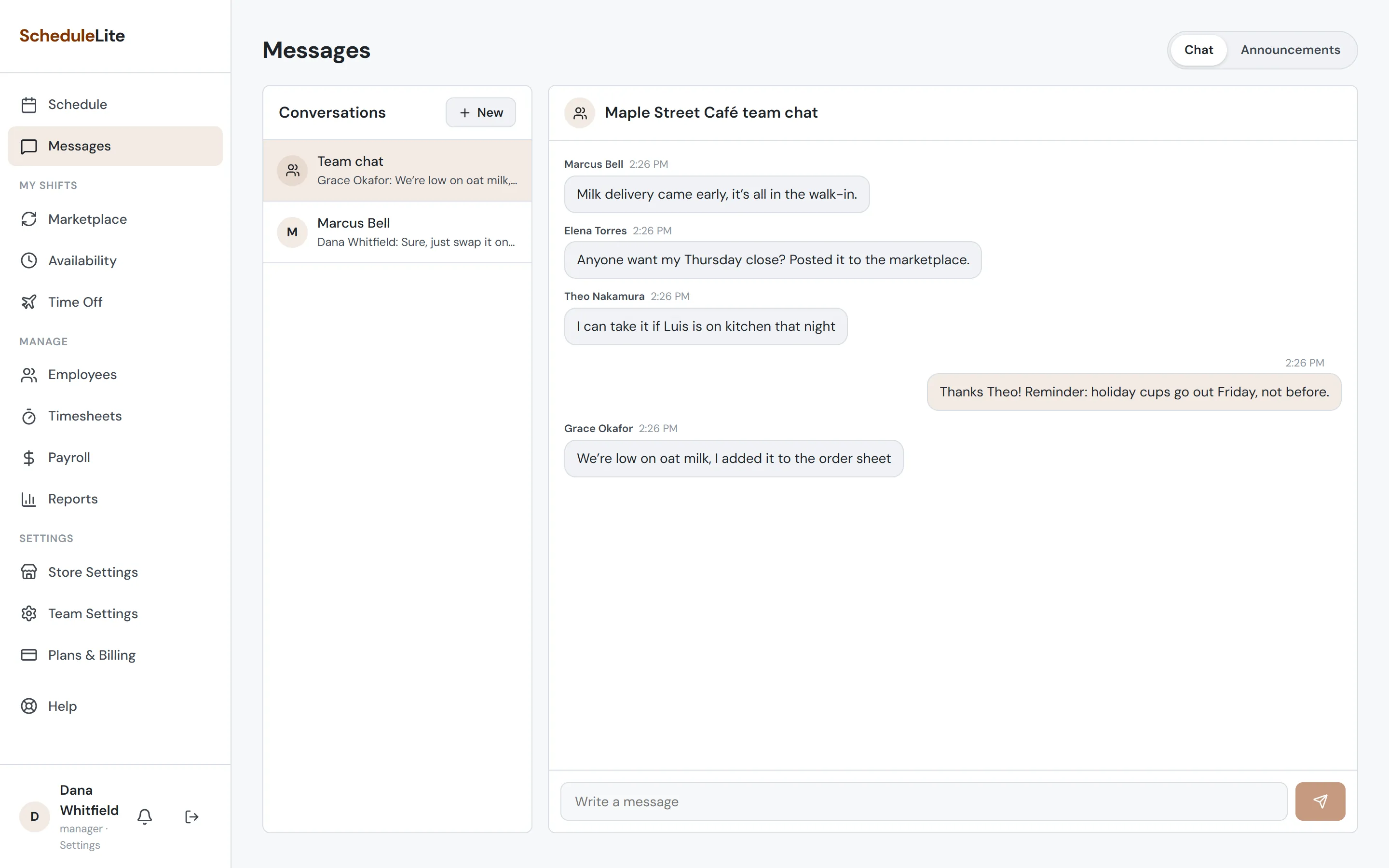
Open Messages from the sidebar. Every store has a team chat that everyone on the roster can read and post in. The sidebar shows a badge when there’s something new.
- 2
Message one person (Plus and up)
Choose + New and pick a coworker to start a private conversation. Managers can’t read other people’s private messages.
- 3
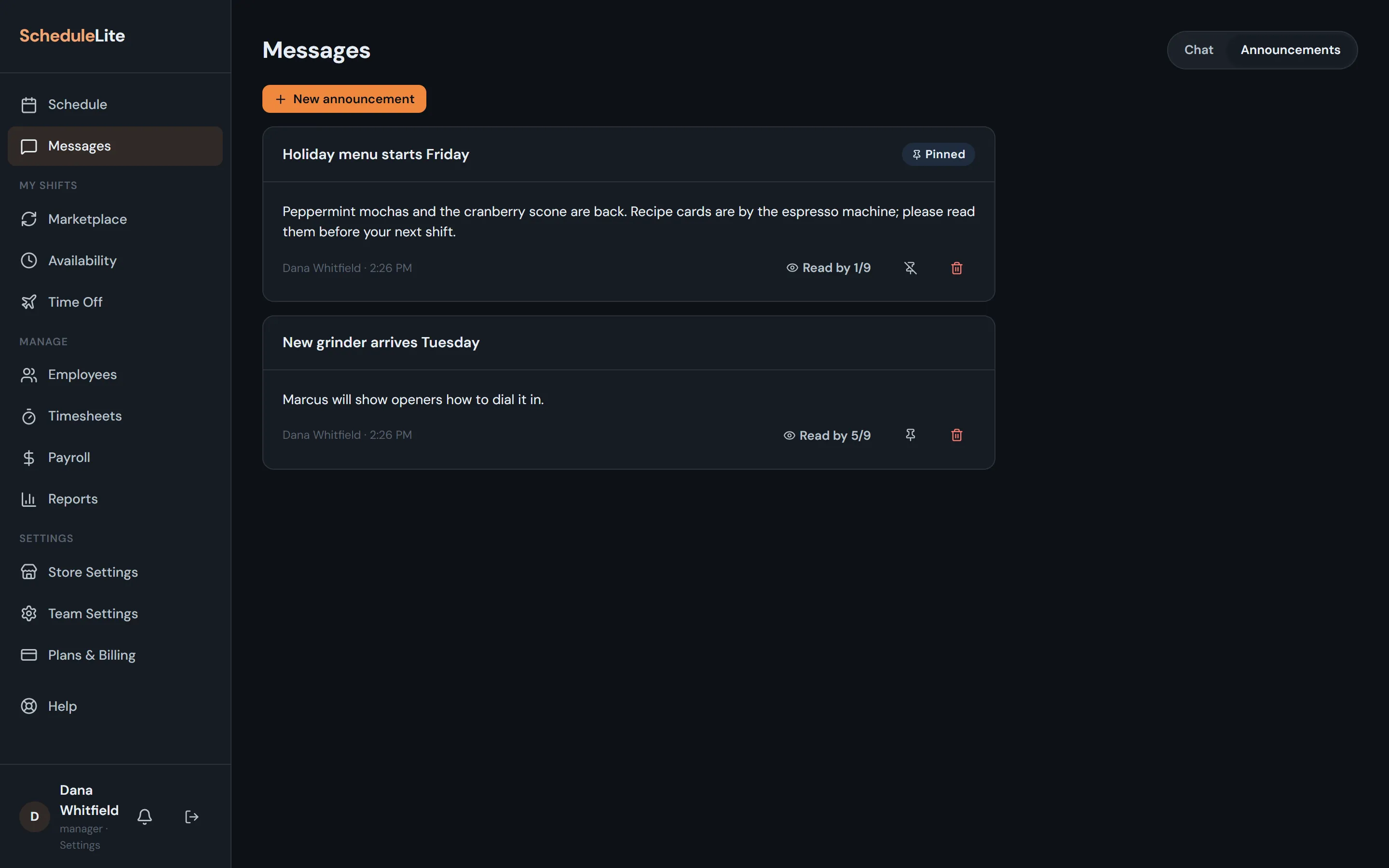
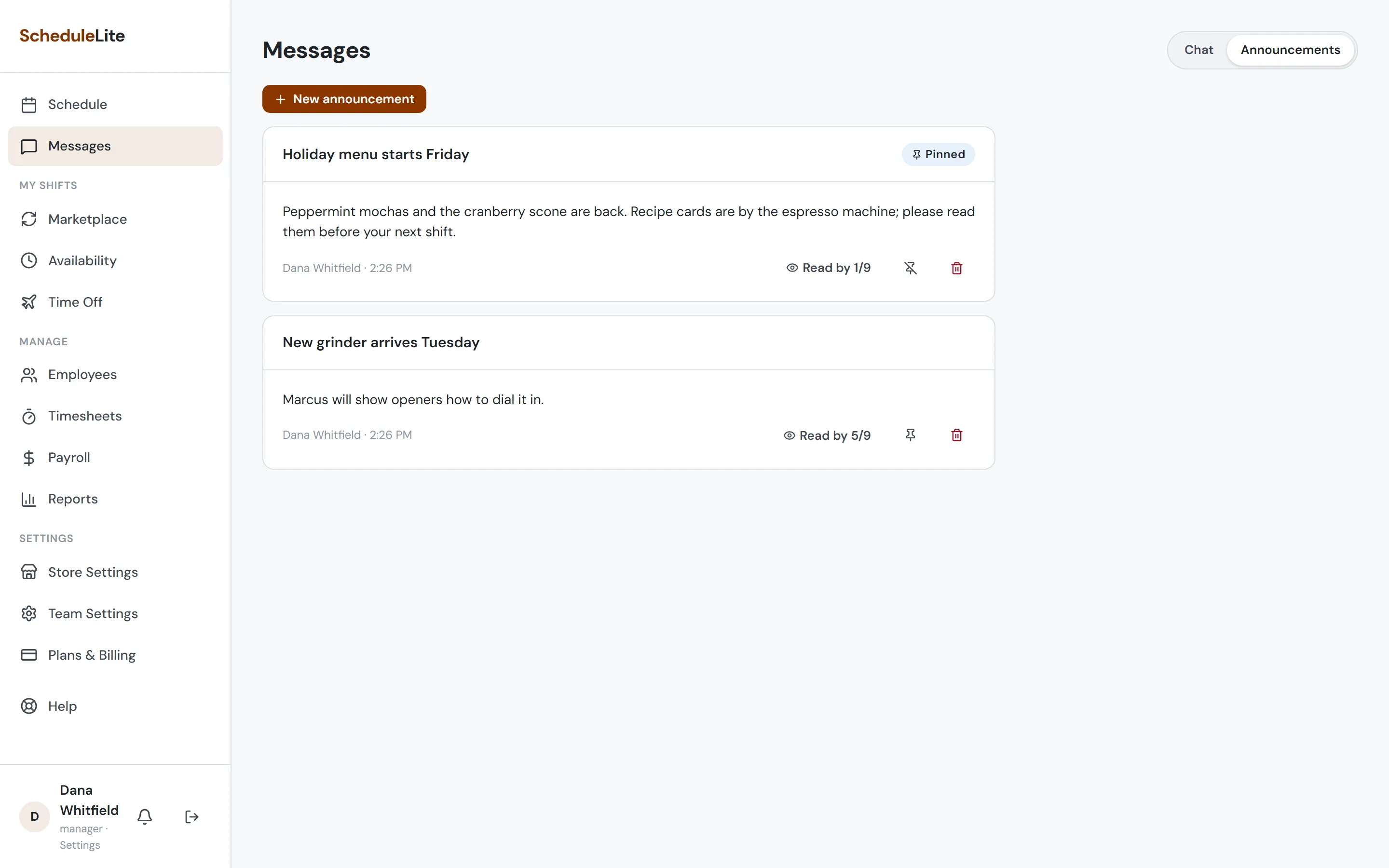
Post an announcement (managers)
On the Announcements tab, choose + New announcement, add a title and details, and pin it if it should stay at the top. Everyone on the team gets a notification. On Plus and up, Read by shows how many people have read it.