
Stay on top of notifications
Turn on push notifications and choose what you hear about.
- 1
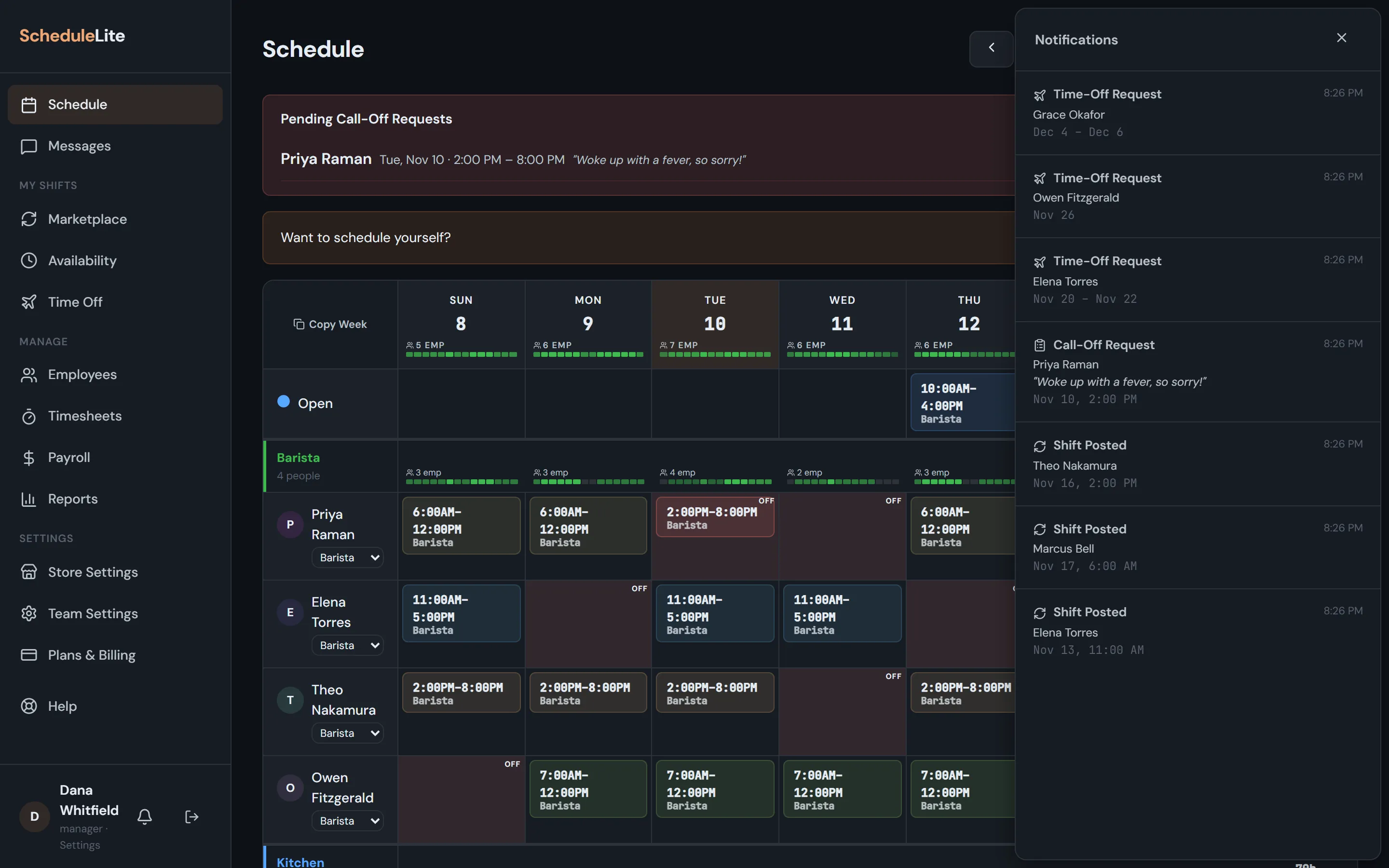
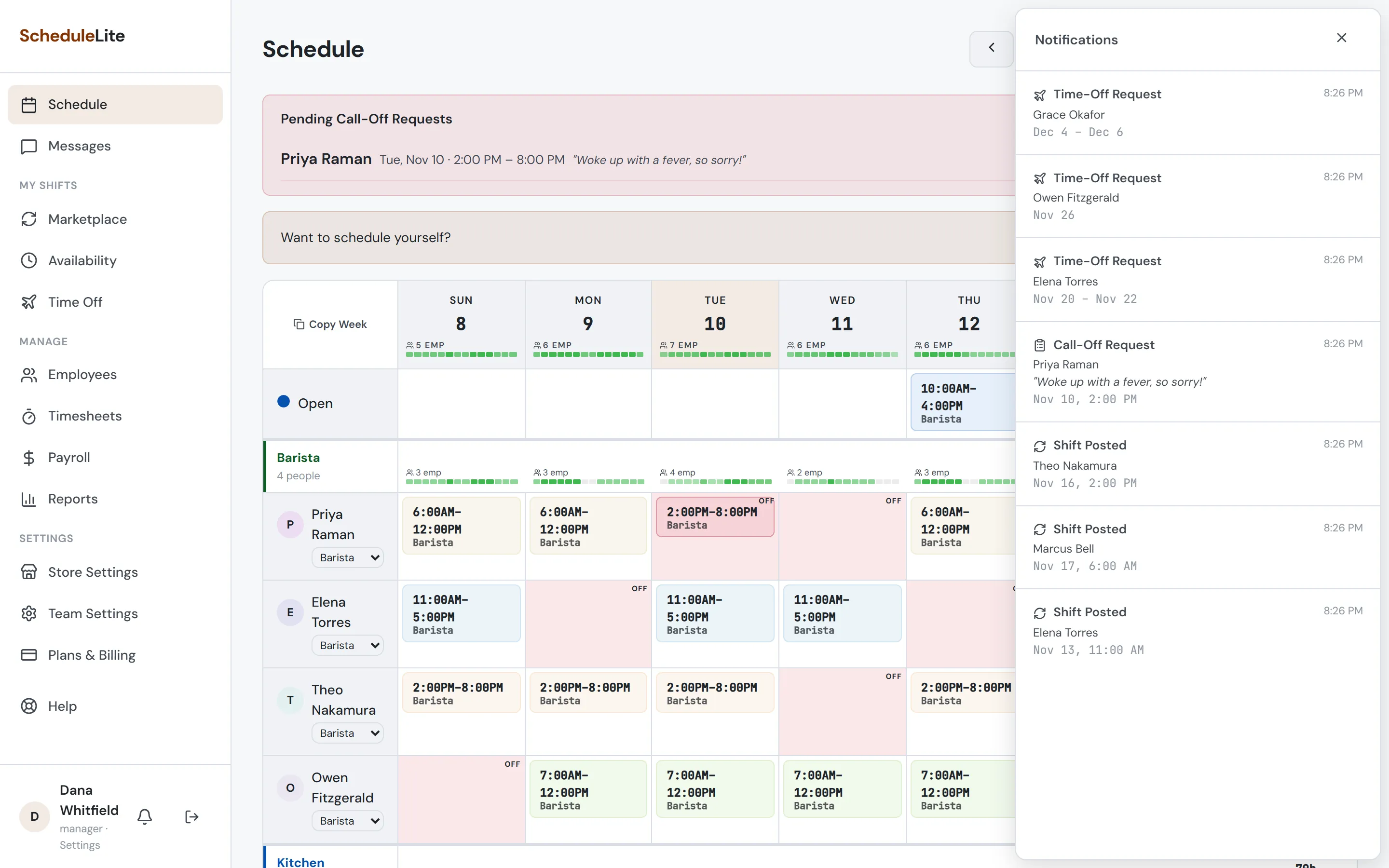
The bell
The bell shows new shifts, schedule changes, posted shifts, call-offs and approvals. Click any notification to jump to the right page.
- 2
Push notifications
In Account Settings, turn on push notifications and allow them when your browser asks. You’ll get alerts even when CrewCrow isn’t open.
- 3
Pick your categories
Also in Account Settings, switch individual categories on or off — for example, keep schedule changes but mute posted shifts.