
Call off or let them know you’re late
Tell your manager the right way when something comes up on the day.
- 1
Calling off
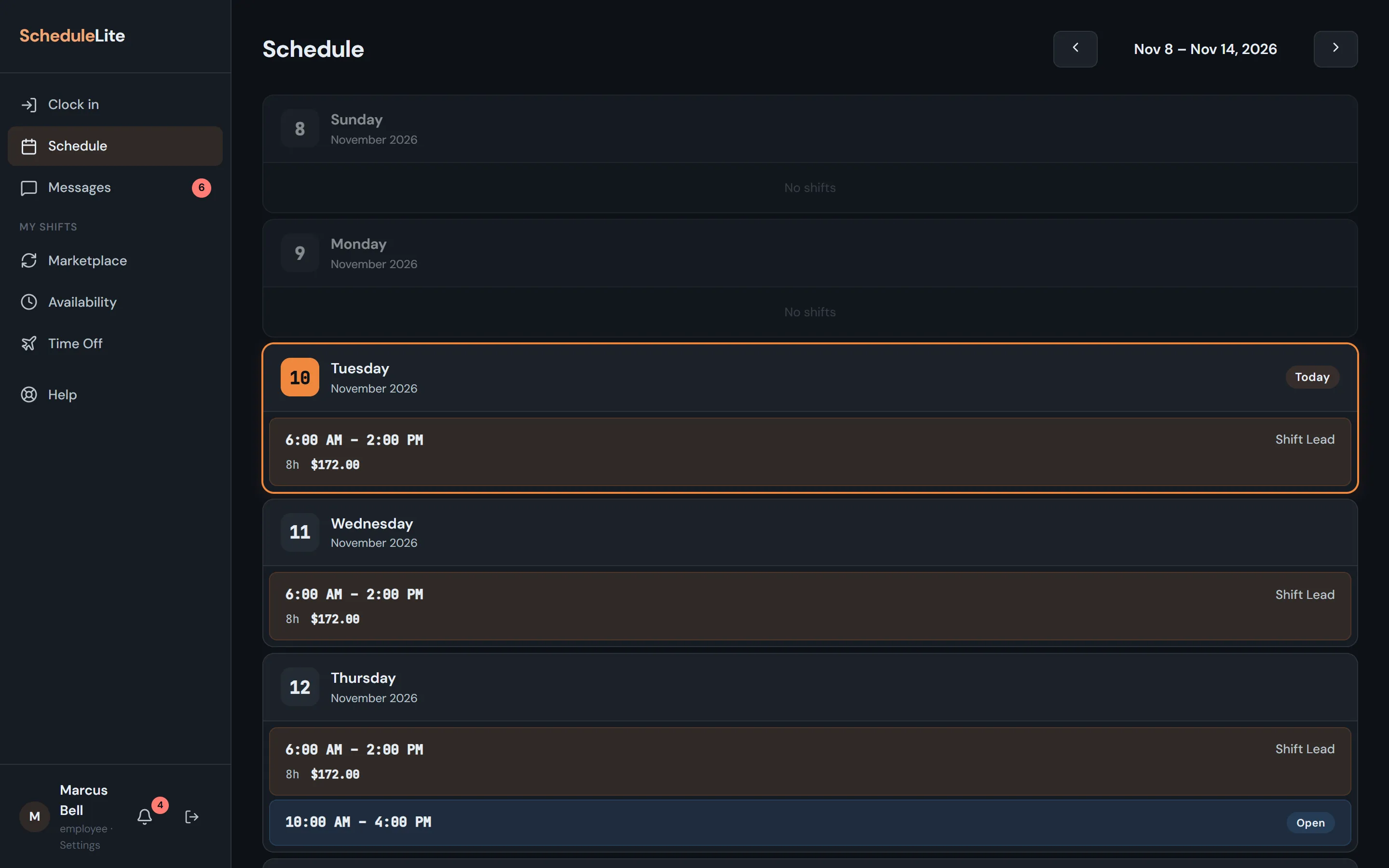
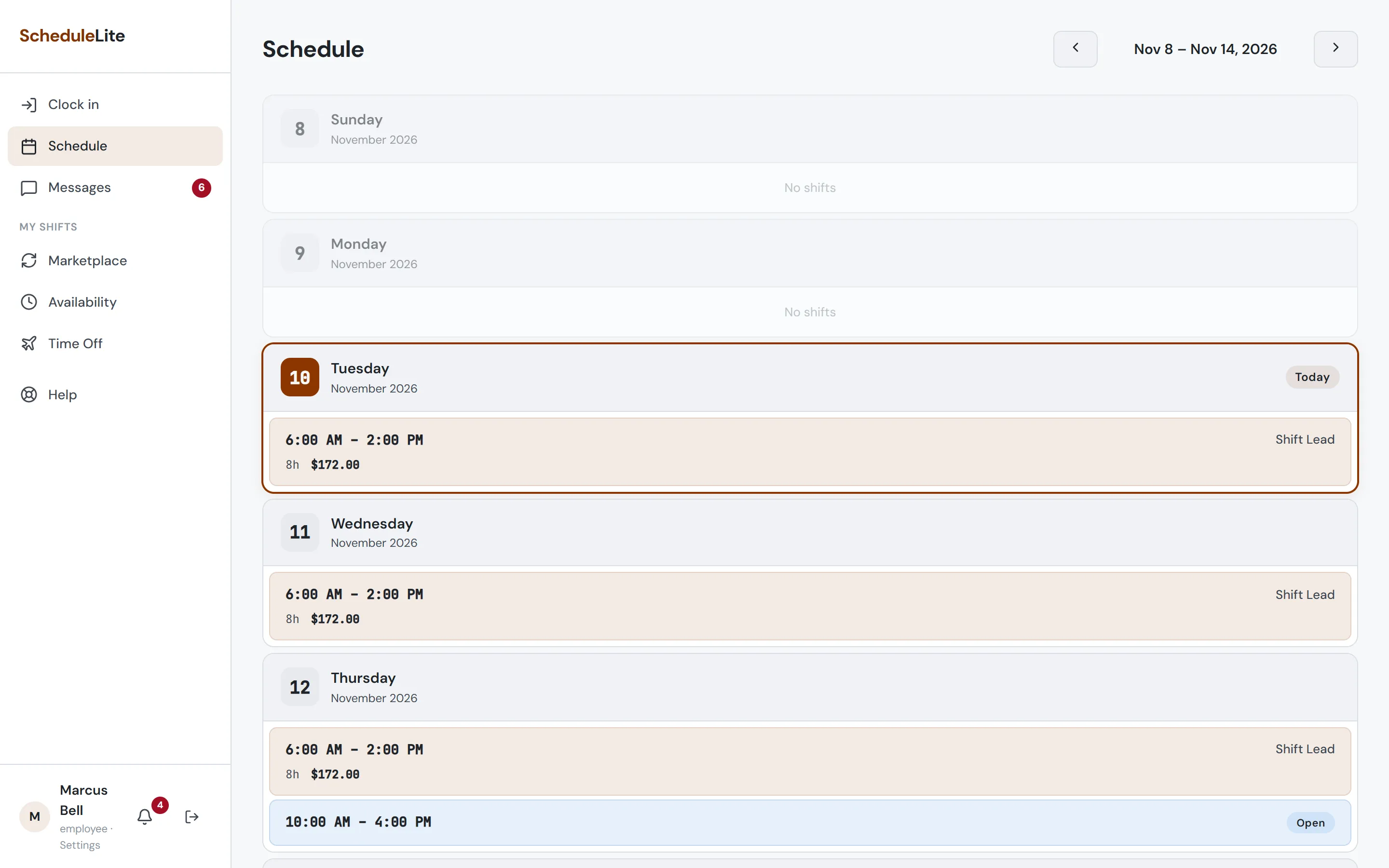
Up to 24 hours before your shift (or once it has started), tap it, open Manage Shift and choose Call Off: Ill or Call Off: Other (Other needs a reason). Your manager approves or denies it and you get a notification either way. If it’s approved, the shift opens up for coworkers to cover.
- 2
Running late
Choose Call In: Late from the same menu and add a quick note. Your manager is notified right away.