Join your team
Create your account and connect it to your workplace with an invite code.
- 1
Sign up
Go to crewcrow.app and choose Get started. Sign up with Google, Microsoft or Apple, or with an email you check (that’s where password resets go).
- 2
Enter your invite code
Ask your manager for the team’s invite code and enter it on the Join a Team screen.
- 3
Wait for approval
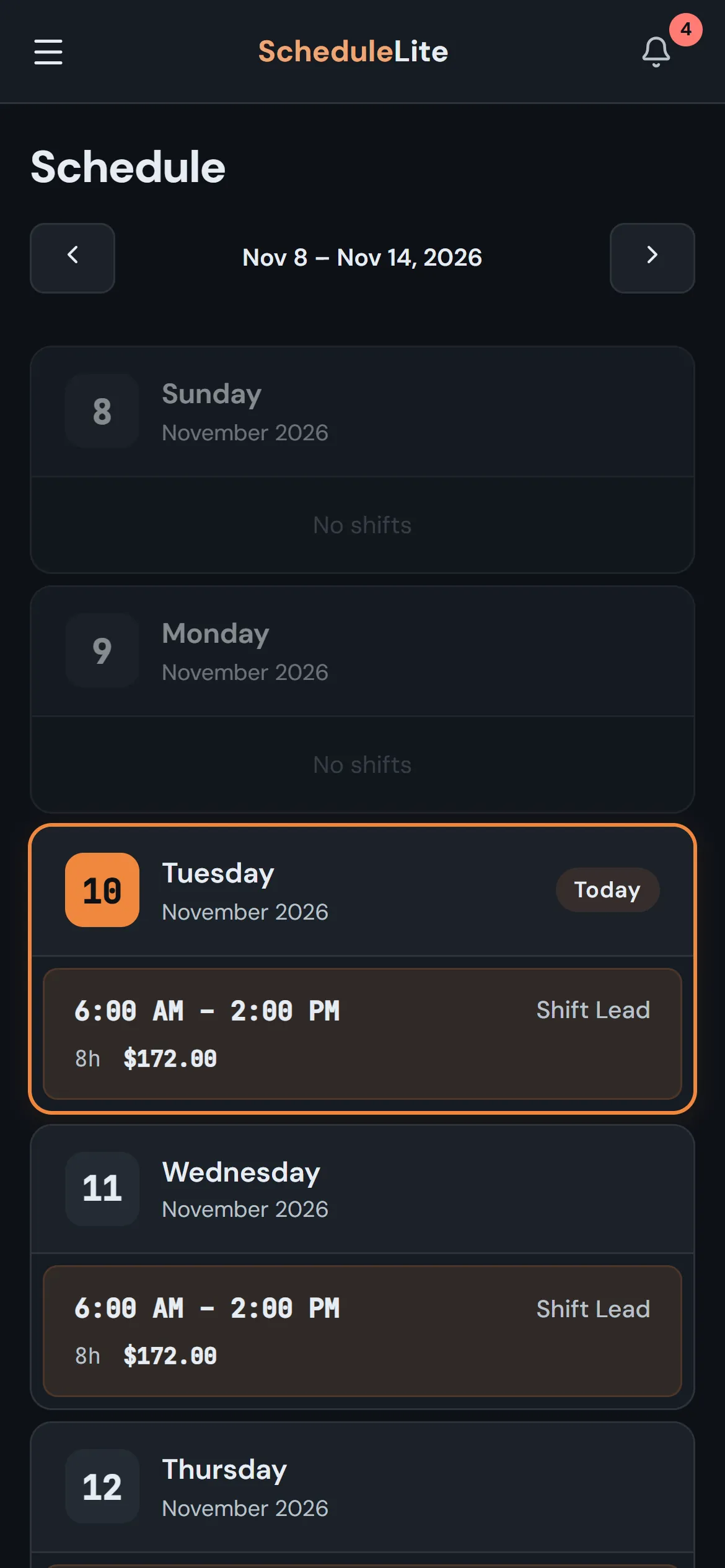
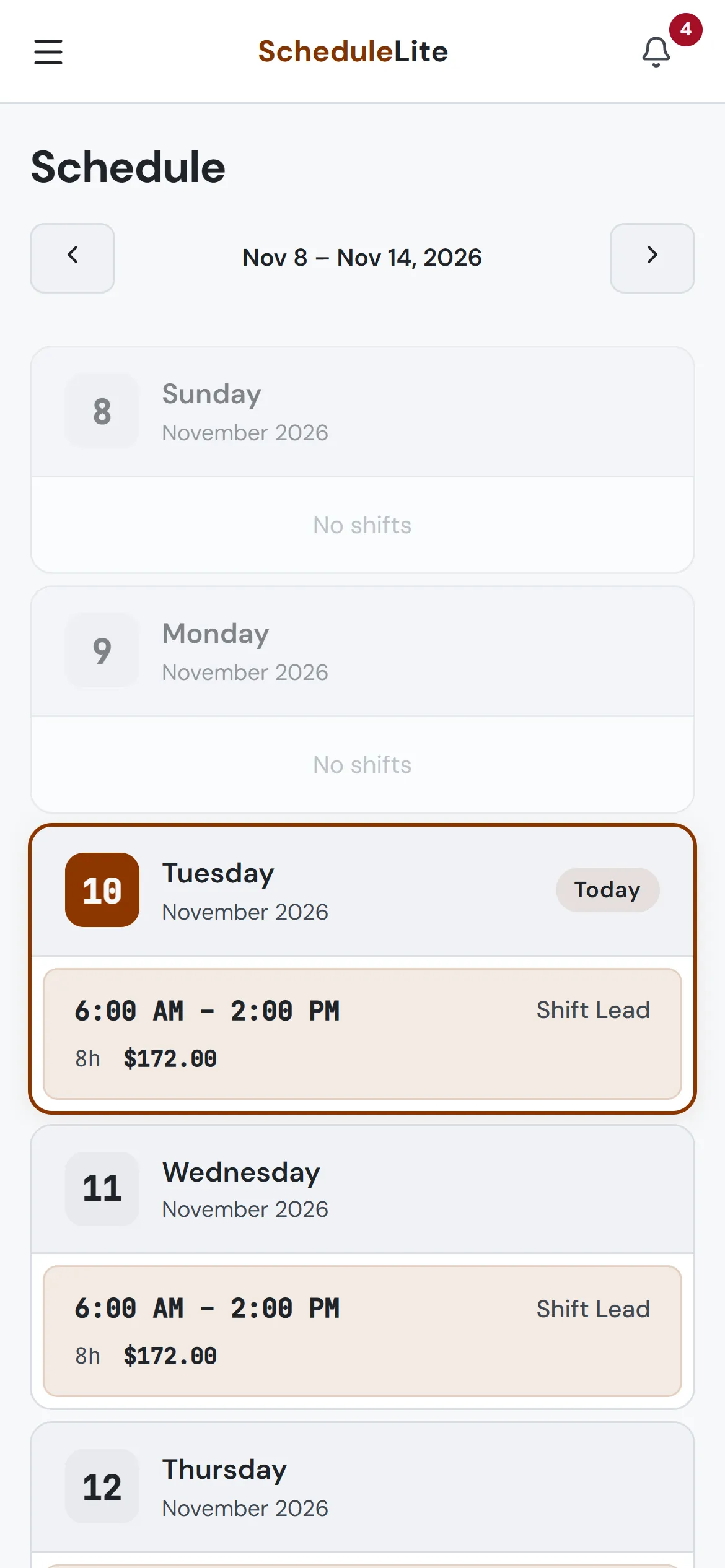
Your manager gets a request to approve. Once they do, you’ll land on your schedule and see your shifts for the week.