
Set your availability
Tell your manager when you can work, including changes for a few weeks like exam season.
- 1
Create your core schedule
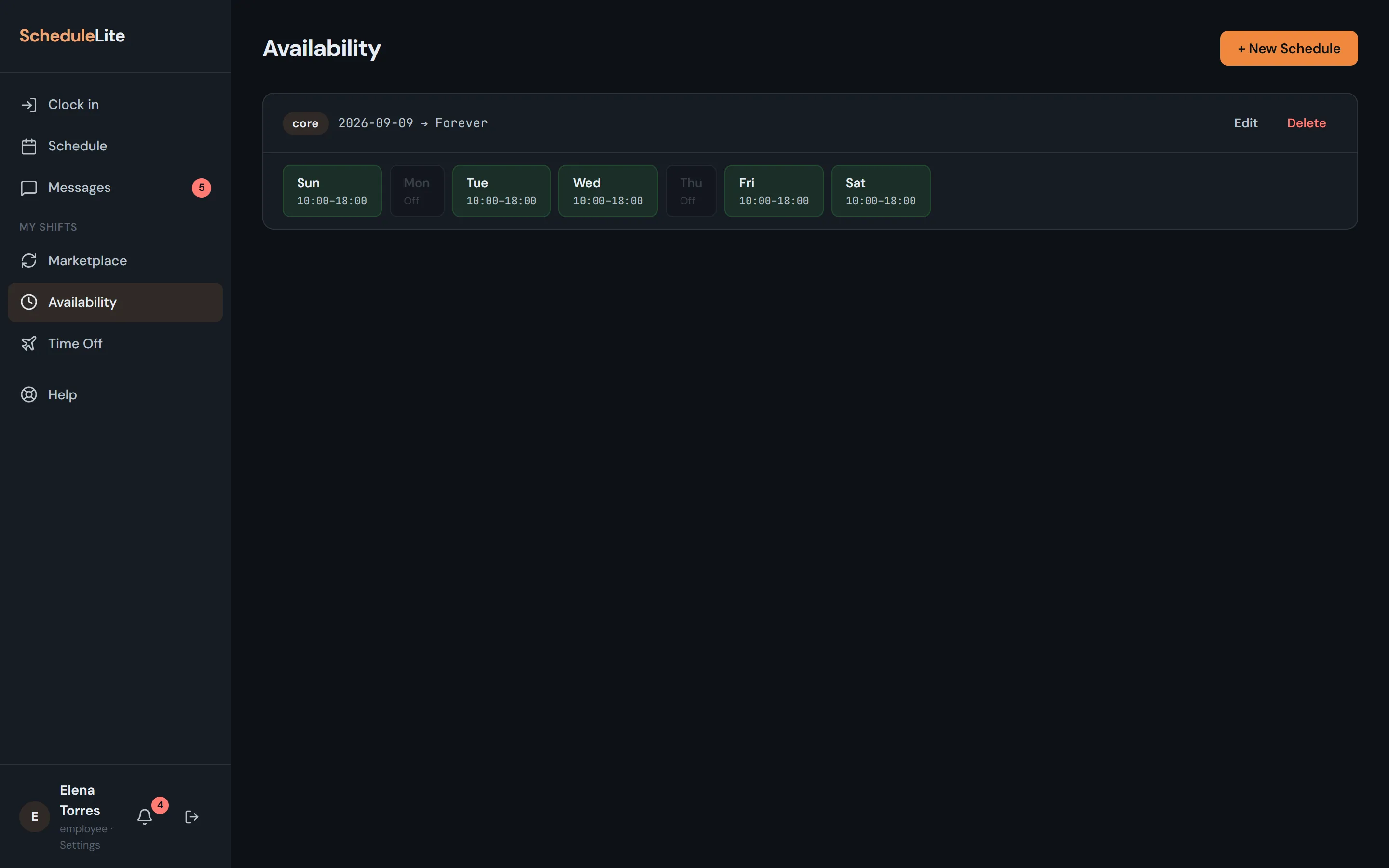
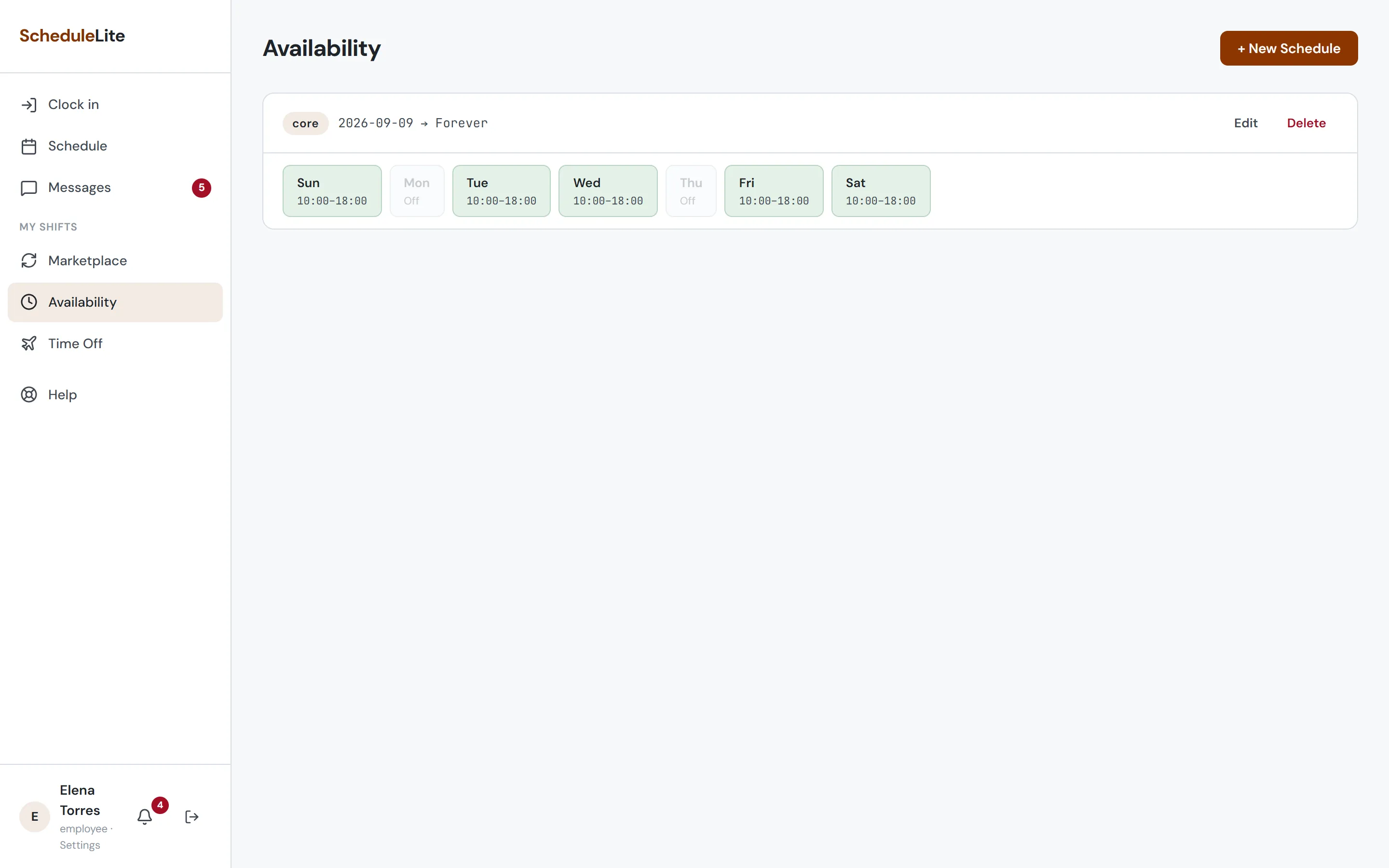
Open Availability and choose New Schedule. Your core schedule is your normal week: mark each day as all day, a time window (for example 5:00–13:00), or off.
- 2
Add temporary changes
Have finals week or a new class schedule for a while? Create a Temporary schedule with a start and end date. It overrides your core availability only for those dates. For vacations and days off, send a time off request instead.
- 3
Alternate weeks
If your availability changes every other week (shared custody, rotating classes), set those days to repeat every other week.