
Set up your team
Create your organization, share your invite code and approve the people who join.
- 1
Create a manager account
Go to crewcrow.app, choose Get started and sign up as a manager, with your email or with Google, Microsoft or Apple. Give your team a name: the business name your employees will recognize.
- 2
Find your invite code
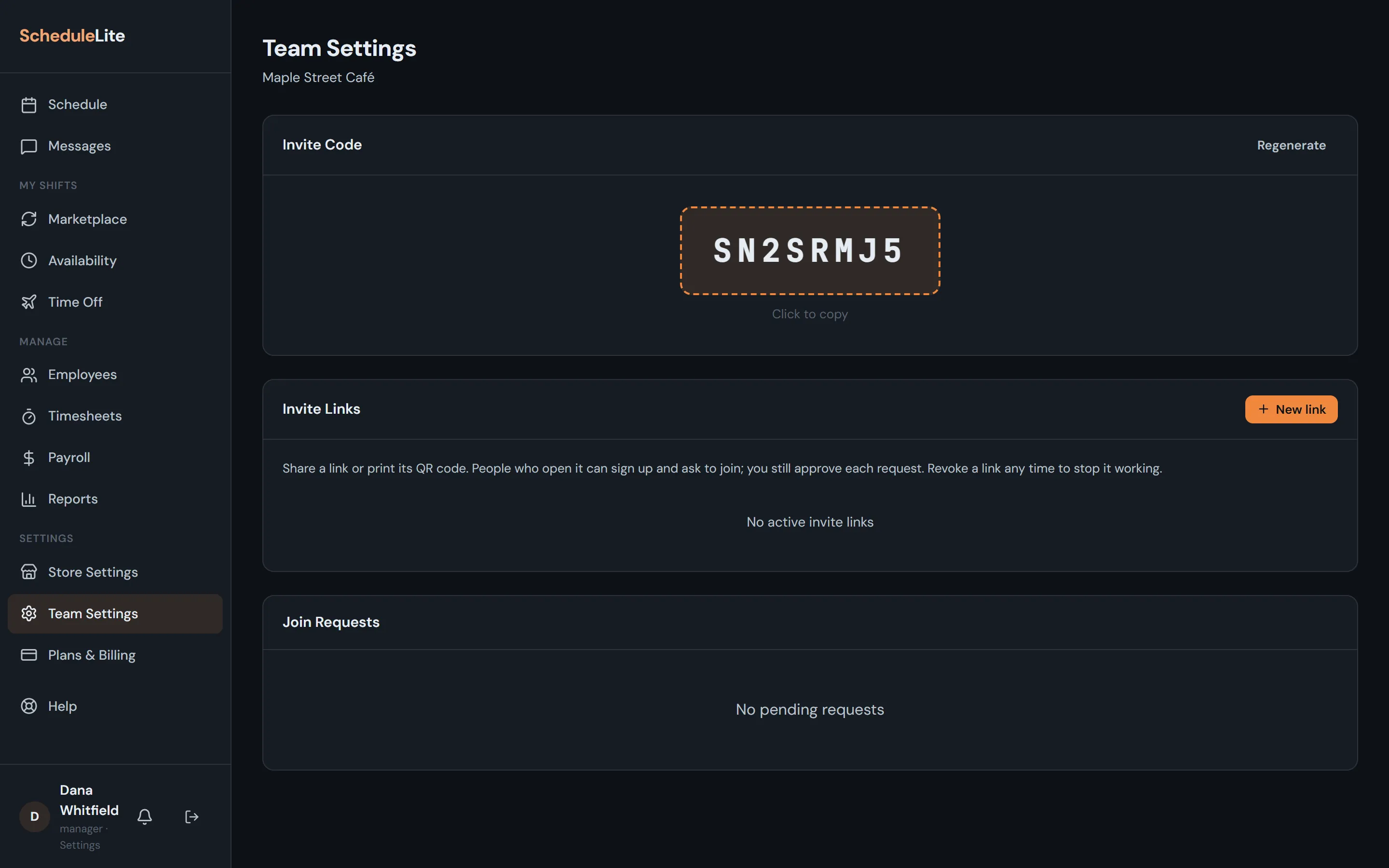
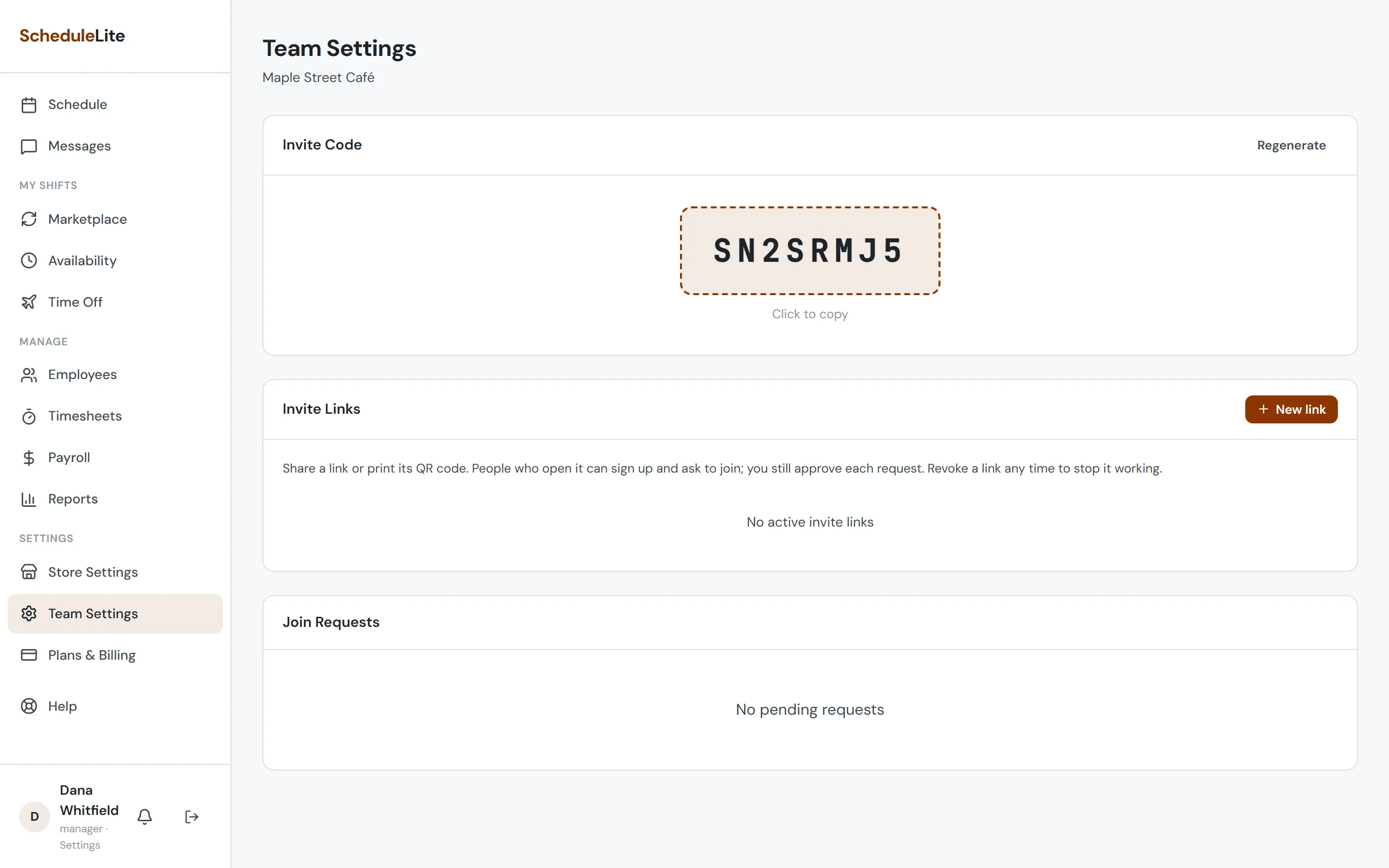
Open Team Settings from the sidebar. Your invite code is at the top of the page. Copy it and send it to your staff by text, email or a note in the break room.
- 3
Approve join requests
When someone enters your code, you get a notification and their request shows up in Team Settings. Approve to add them to your team (or deny if you don’t recognize them). Approved people show up as rows on the schedule right away.
- 4
Add people who won’t use the app (optional)
Not everyone needs an account. From Employees you can add someone by name and pay rate so you can still schedule them and track their hours.