
Handle call-offs and open shifts
Approve or deny same-day call-offs and get the shift covered.
- 1
See requests as they come in
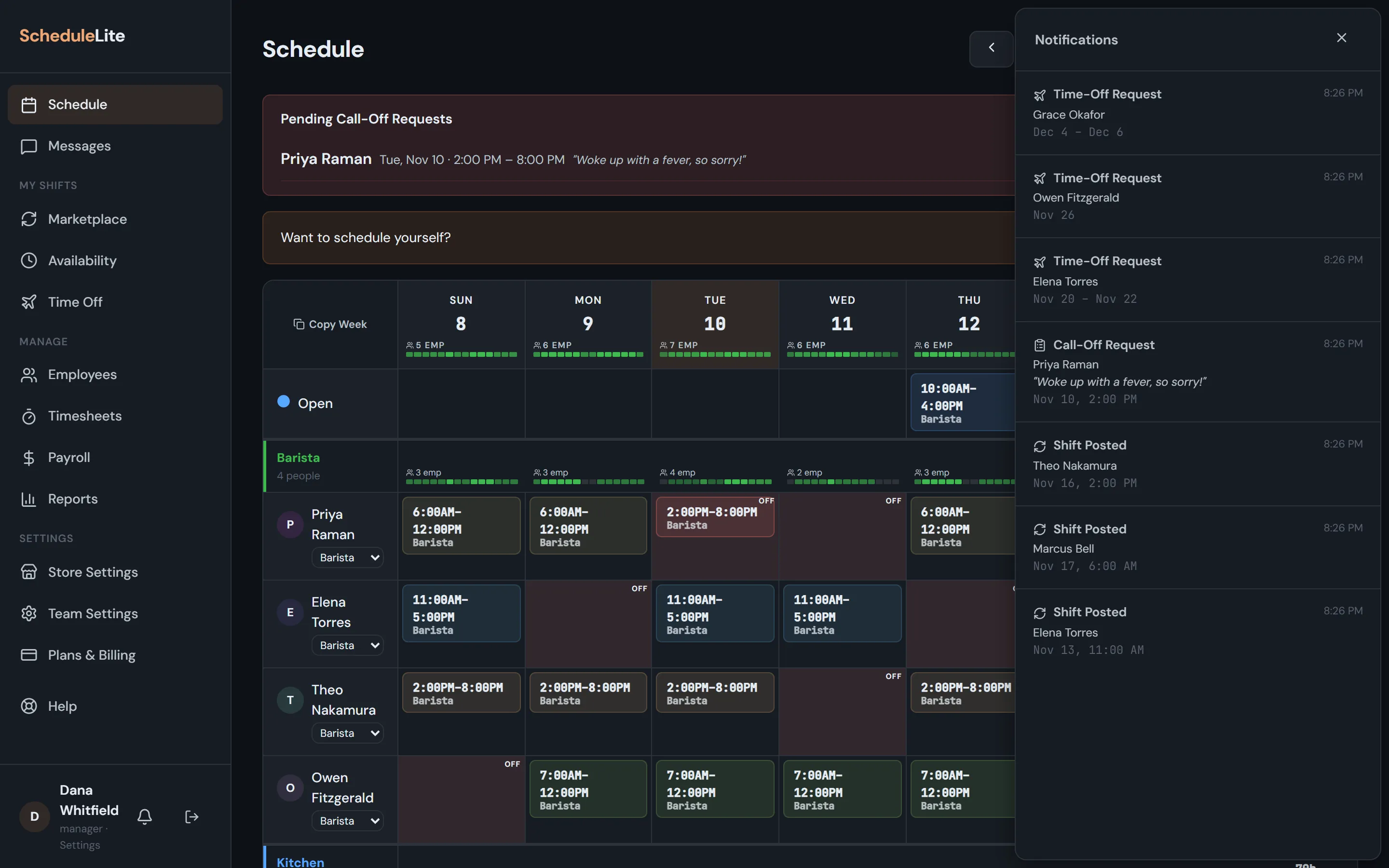
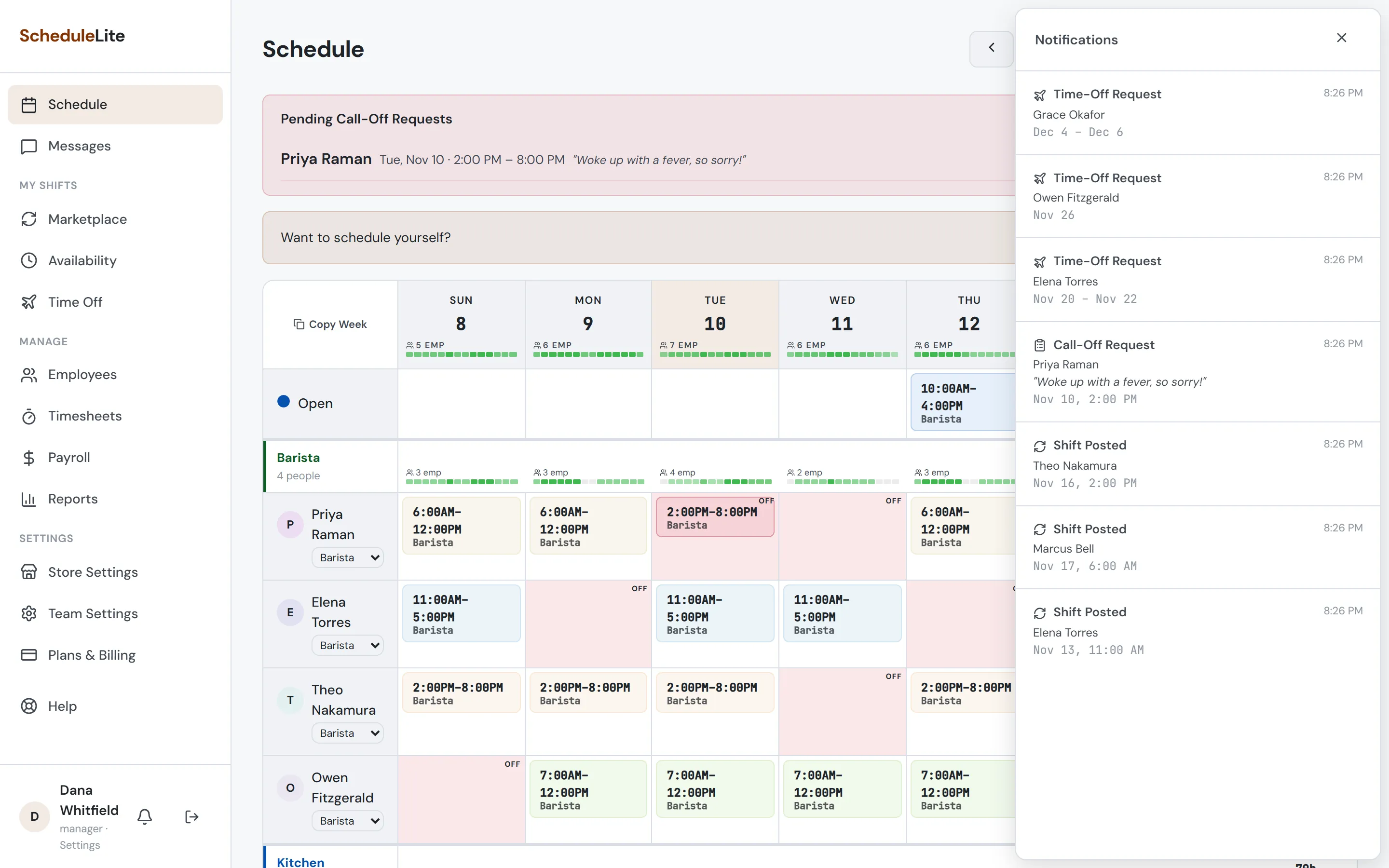
When an employee calls off, you get a notification and a Pending Call-Off Requests box appears at the top of your schedule with their reason.
- 2
Approve or deny
Approving removes the employee from the shift, turns it into an open shift and lets the rest of the team know it needs covering. Denying keeps them on the shift and lets them know.
- 3
Get it covered
Open shifts appear in every employee’s Marketplace. The first available person to pick it up gets it — or assign someone directly from the grid.