
Swap shifts with the Marketplace
Post a shift you can’t work and pick up extra hours — no group texts.
- 1
Post a shift you can’t work
On Schedule, tap your shift, open Manage Shift and choose Post Shift. It stays yours until a coworker picks it up, so it never goes uncovered. Changed your mind? Choose Revoke Post.
- 2
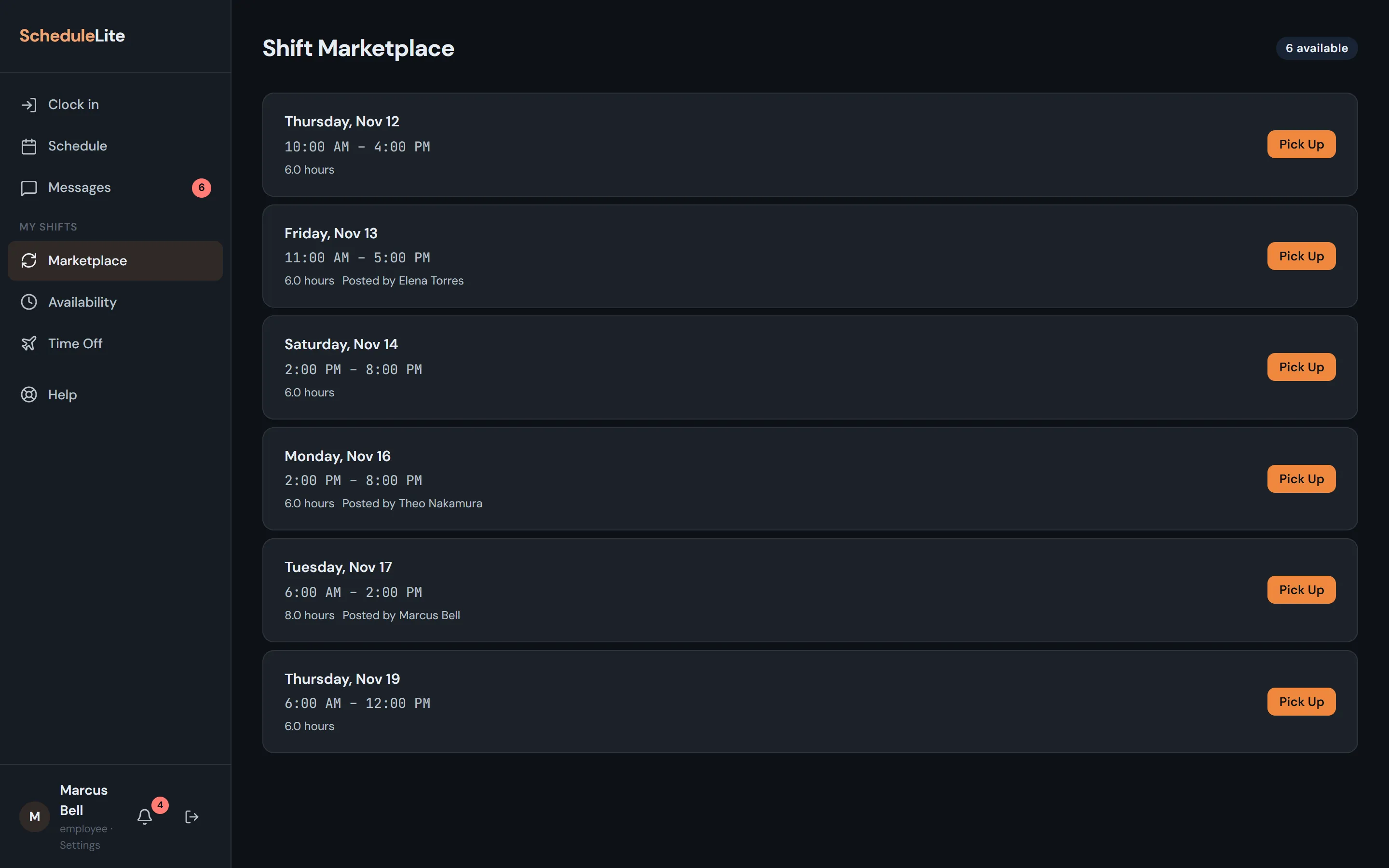
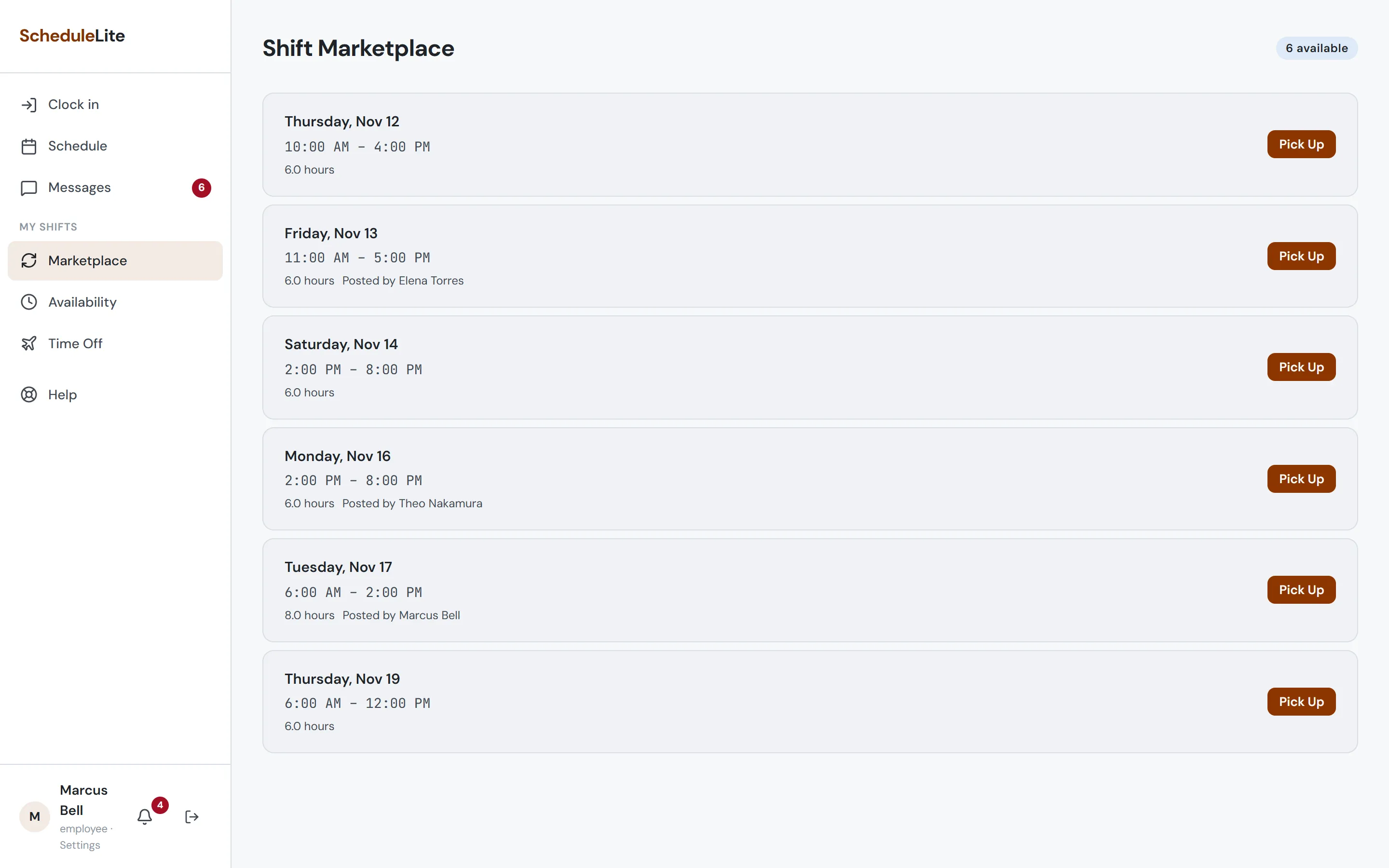
Pick up a shift
Marketplace lists open shifts and shifts your coworkers have posted. Tap Pick Up and it’s yours — your manager and the team are notified.
- 3
Why can’t I pick this one up?
You can’t pick up a shift that overlaps one you already have, falls outside your availability, or would put you into overtime without your manager’s OK.