
Run reports
See overtime, attendance, scheduled vs actual hours and labor cost against sales, and export them to CSV.
- 1
Pick a report and a range
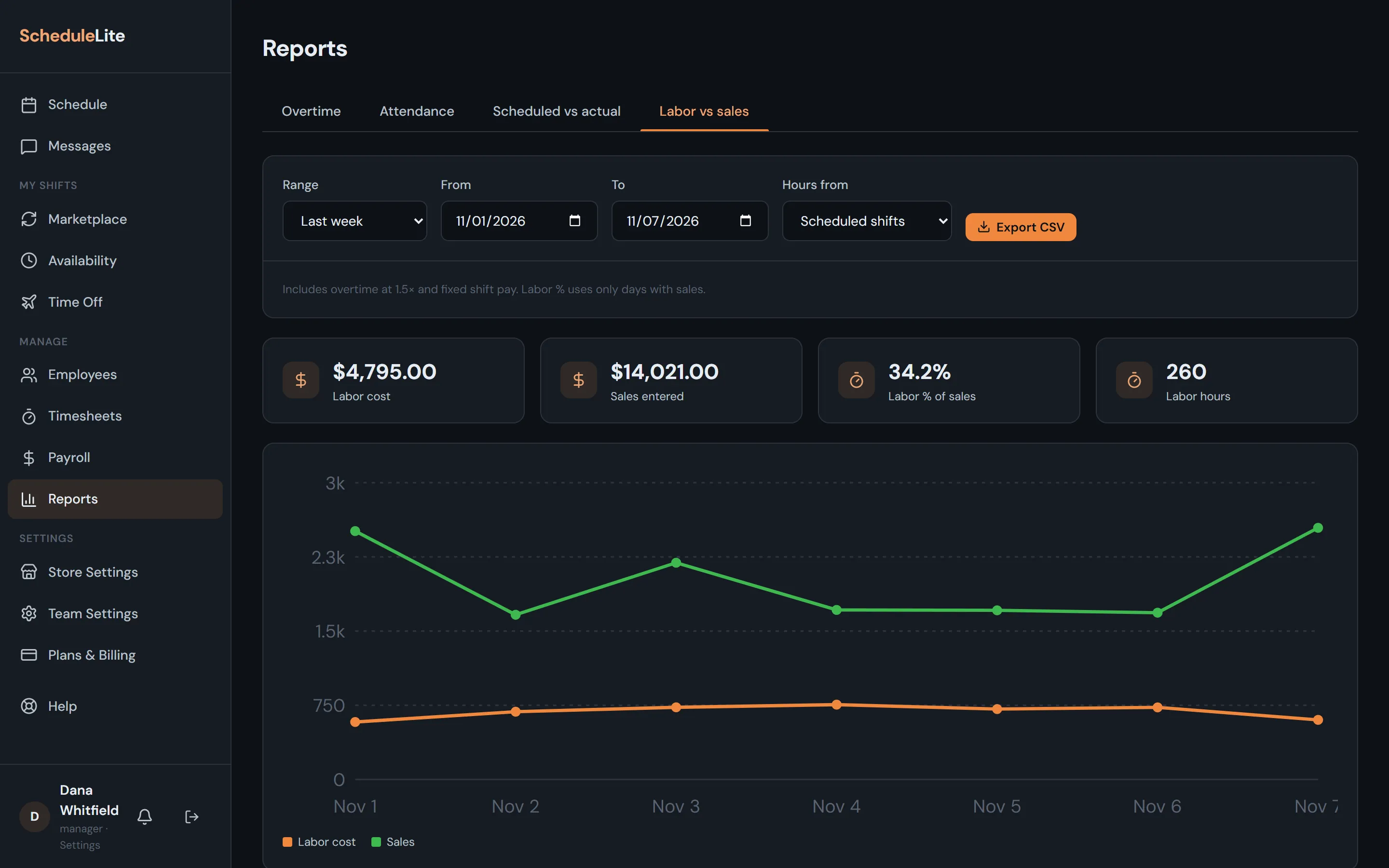
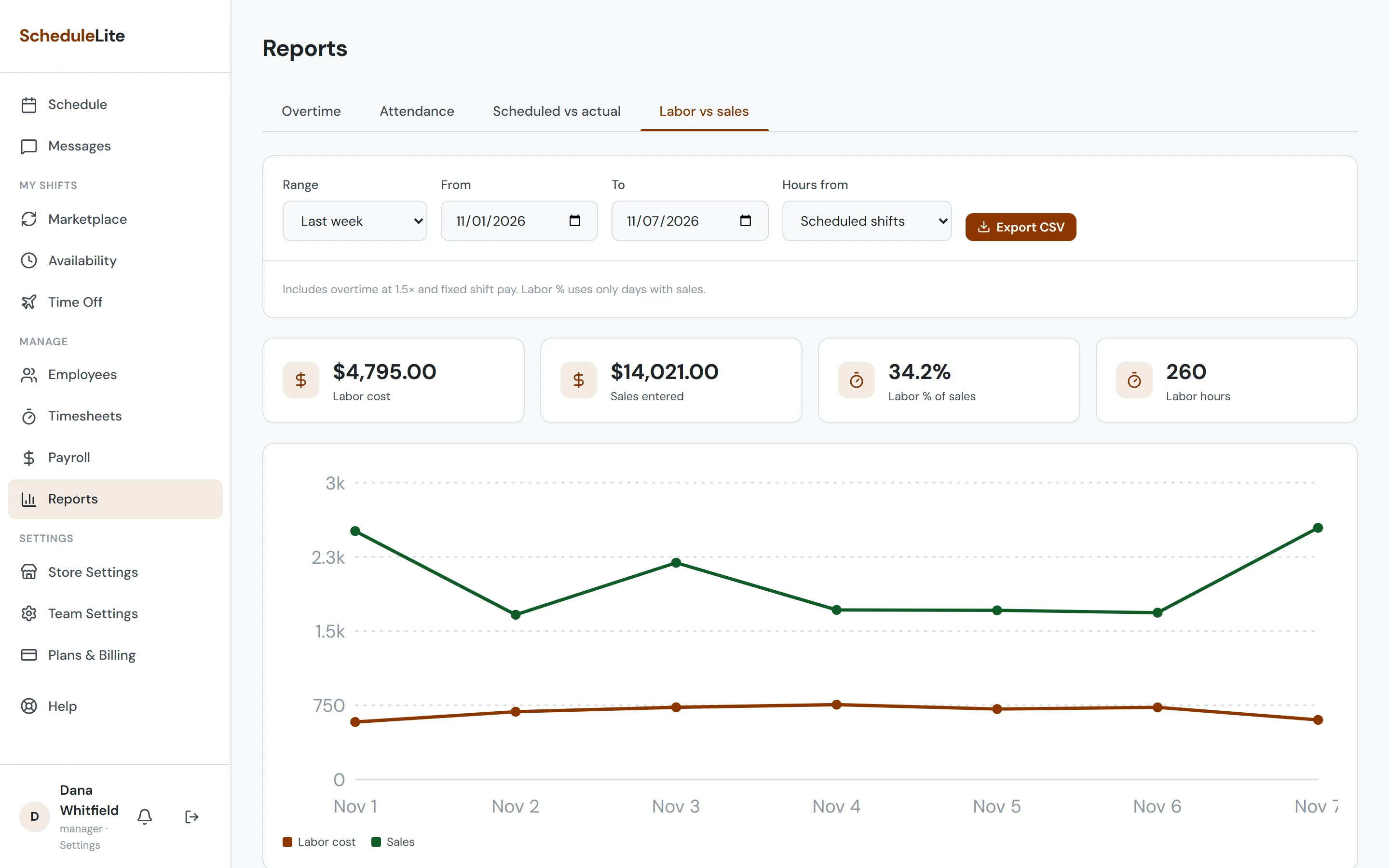
Open Reports from the sidebar and choose a tab: Overtime, Attendance, Scheduled vs actual or Labor vs sales. Pick a range like Last week or Last 4 weeks, or set your own dates. On Plus and up, Hours from switches overtime and labor between scheduled shifts and timeclock punches.
- 2
Enter your sales
On Labor vs sales, enter net sales for each day in the grid below the chart. Labor % compares labor cost, including overtime at 1.5×, with sales on the days you’ve filled in.
- 3
Export
On Plus and up, choose Export CSV for the report, or By employee CSV for one row per person.